
Introduction
MustBe was designed for agencies and creatives who want their portfolio to stand out not through excess, but through originality. Instead of yet another vertically scrolling page, MustBe introduces a multidirectional navigation system that feels like exploring a floating digital board — one that reacts gracefully to your mouse movement.
Minimal in appearance yet rich in experience, it transforms browsing into an engaging act of discovery. Every motion, transition, and interaction serves a single purpose: to make your work unforgettable.

Challenge
The vast majority of web templates rely on predictable, linear scrolling — efficient, but often uninspiring. Our goal with MustBe was to reinvent this experience and give users freedom to explore content intuitively, in every direction.
Nonlinear Navigation
A completely new interaction model that allows users to move horizontally, vertically, and diagonally — transforming static layouts into immersive digital canvases.
Full Customization
Built with Webflow’s color variable system, MustBe allows you to edit fonts, backgrounds, and decorative details globally with just a few clicks.
Tailored Visual Identity
For those seeking a truly one-of-a-kind look, we offer custom illustrations that match your brand’s theme and tone — designed exclusively for your project.

Process
Every aspect of MustBe was crafted to merge aesthetics with performance — creating a fluid, responsive, and visually dynamic experience.
- Automated duotone photo effect
Simply upload your image and watch it transform; no external tools needed. Changing tones or colors takes seconds - Fully responsive structure
Optimized for every breakpoint, ensuring smooth navigation from widescreen monitors to mobile phones - Lightweight SVG elements
Scalable, color-adaptive, and performance-friendly across all devices - Global color system
Allows effortless brand adaptation and unified visual control - Tutorials page
Includes video guides covering both basic and advanced customization topics, so editing remains intuitive and fast

Results
MustBe redefined how portfolio websites can look and feel — replacing the predictable scroll with an experience that invites exploration. Agencies and independent creatives praised it for its elegant originality, intuitive editing system, and the sense of movement that brings every project to life.
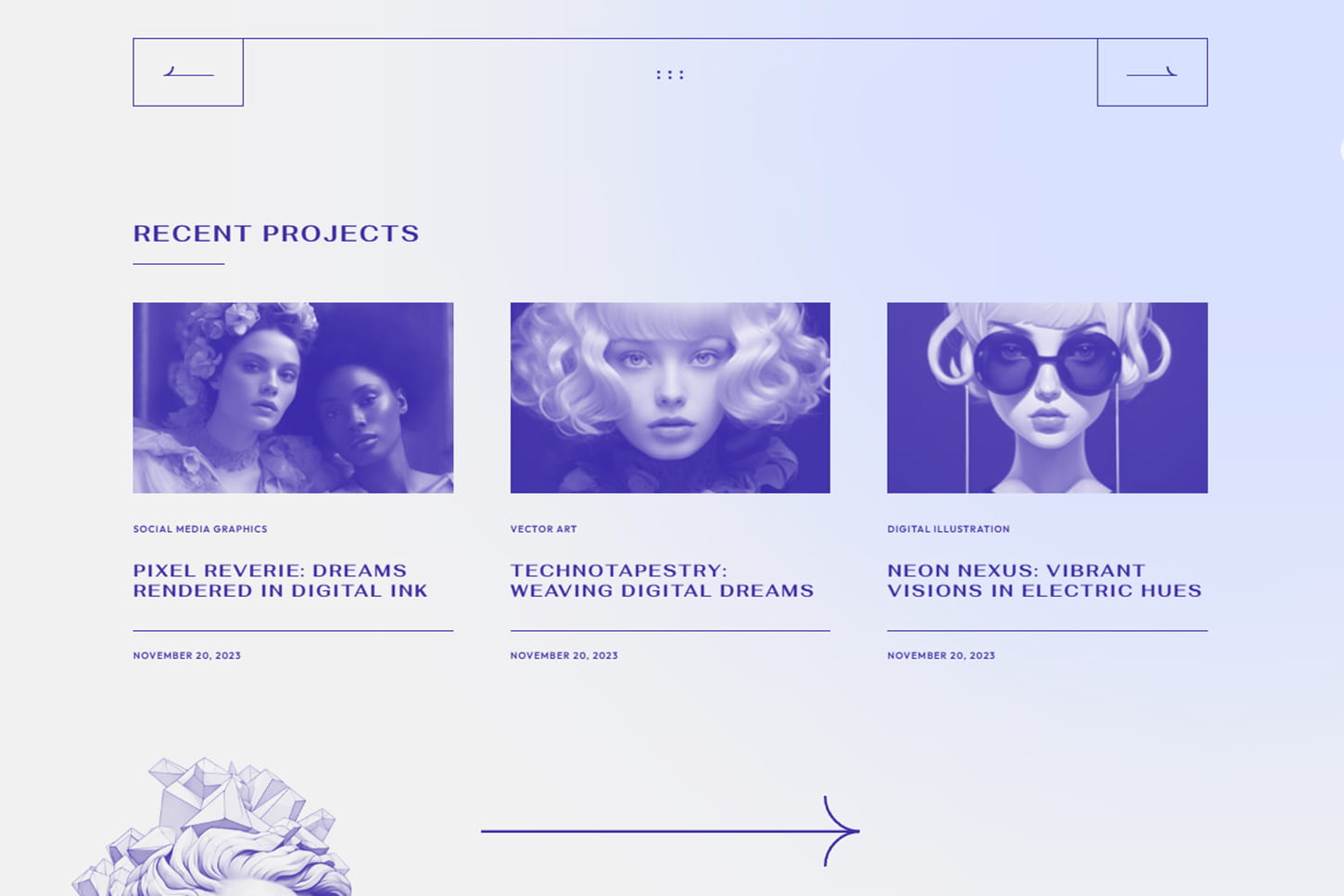
See how motion, freedom, and design converge. Explore a portfolio experience where every direction leads to discovery — and every movement tells a story. MustBe invites you to rethink how creativity flows on screen.
Experience MustBe live
MustBe is more than a visual experiment — it’s a functional, future-ready environment that elevates the way users interact with your content.
2. In the Navigator (left panel), go to "Section X" → "Wrap X" → "Video Background".
3. Select the "Vimeo Cover" component.
4. In the Properties (right panel), replace the ID in the address with the ID of your Vimeo video - they look like 1012796711.
5. When finished, exit the symbol by clicking the green button at the top.